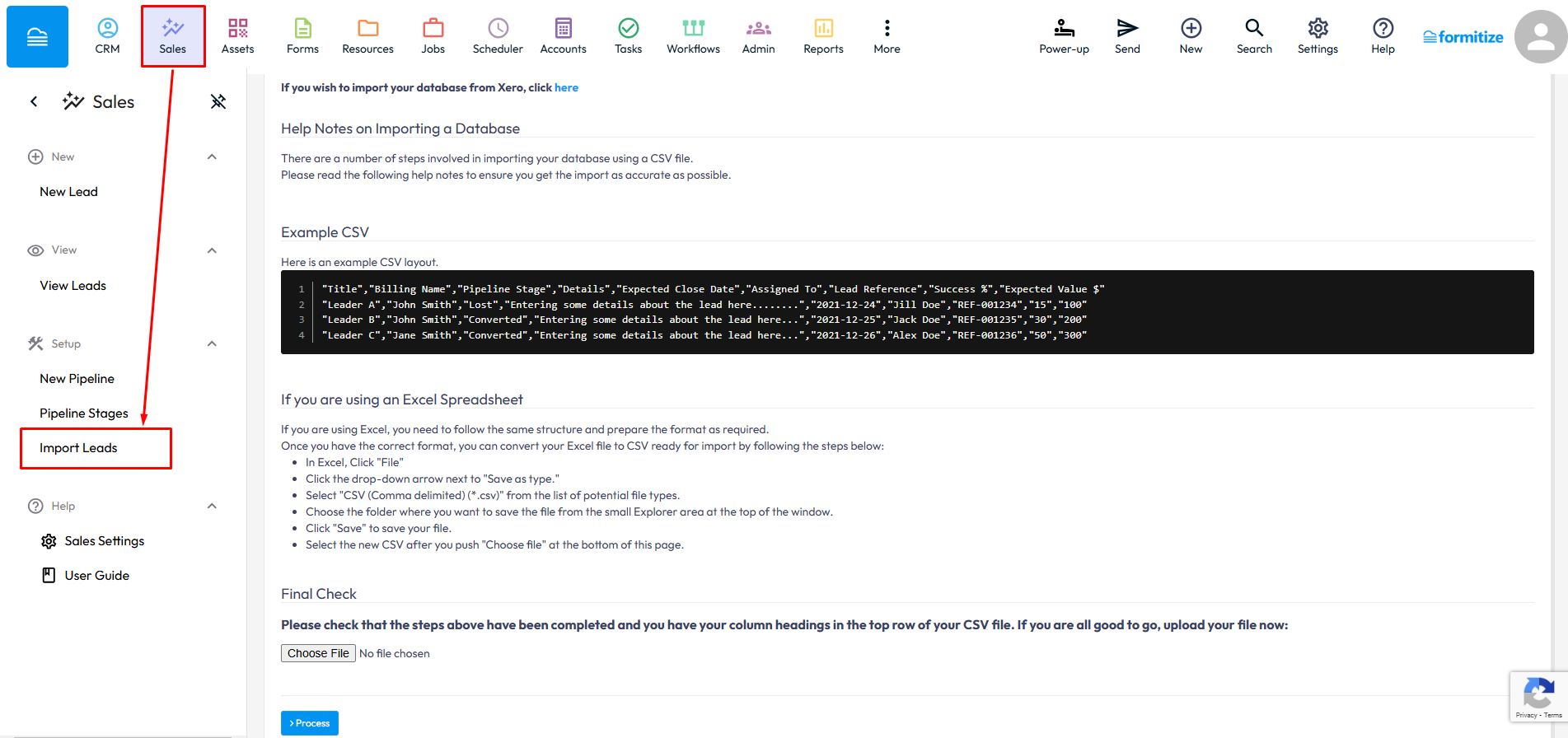
Importing leads allows you to upload lead information into Formitize from a CSV file, making it easy to add multiple leads at once or migrate data from another system. To import leads in the Web Portal > Sales > Import Leads > Upload your CSV file > Process. The import wizard will guide you through each step of the process.
Where an existing lead is identified using the matching Lead Title and Client Name, the system will update the existing record instead of creating a duplicate.